☁️ AWS Inventory Utility: Your Cloud, Demystified! 📊
See your AWS world in one click—no more cloud confusion, just instant clarity!
AWS Inventory Utility is your trusty sidekick for taming the wilds of Amazon Web Services. Forget endless CLI commands and cryptic dashboards—this app gives you a crystal-clear, one-stop view of your EC2s, S3 buckets, RDS databases, Lambdas, and more. With a modern AWS-themed interface and real-time updates, you’ll always know what’s running, where, and why (and maybe even how much it’s costing you).
✨ Key Features (a.k.a. Cloud Superpowers):
- Secure AWS Login 🔒: Connect with your IAM credentials—no root keys, no worries. Your secrets stay secret, and your cloud stays safe.
- Comprehensive Resource Listing 🚀: Instantly see all your EC2s, RDS, S3, Lambda, and Security Groups—no more hunting through the AWS console.
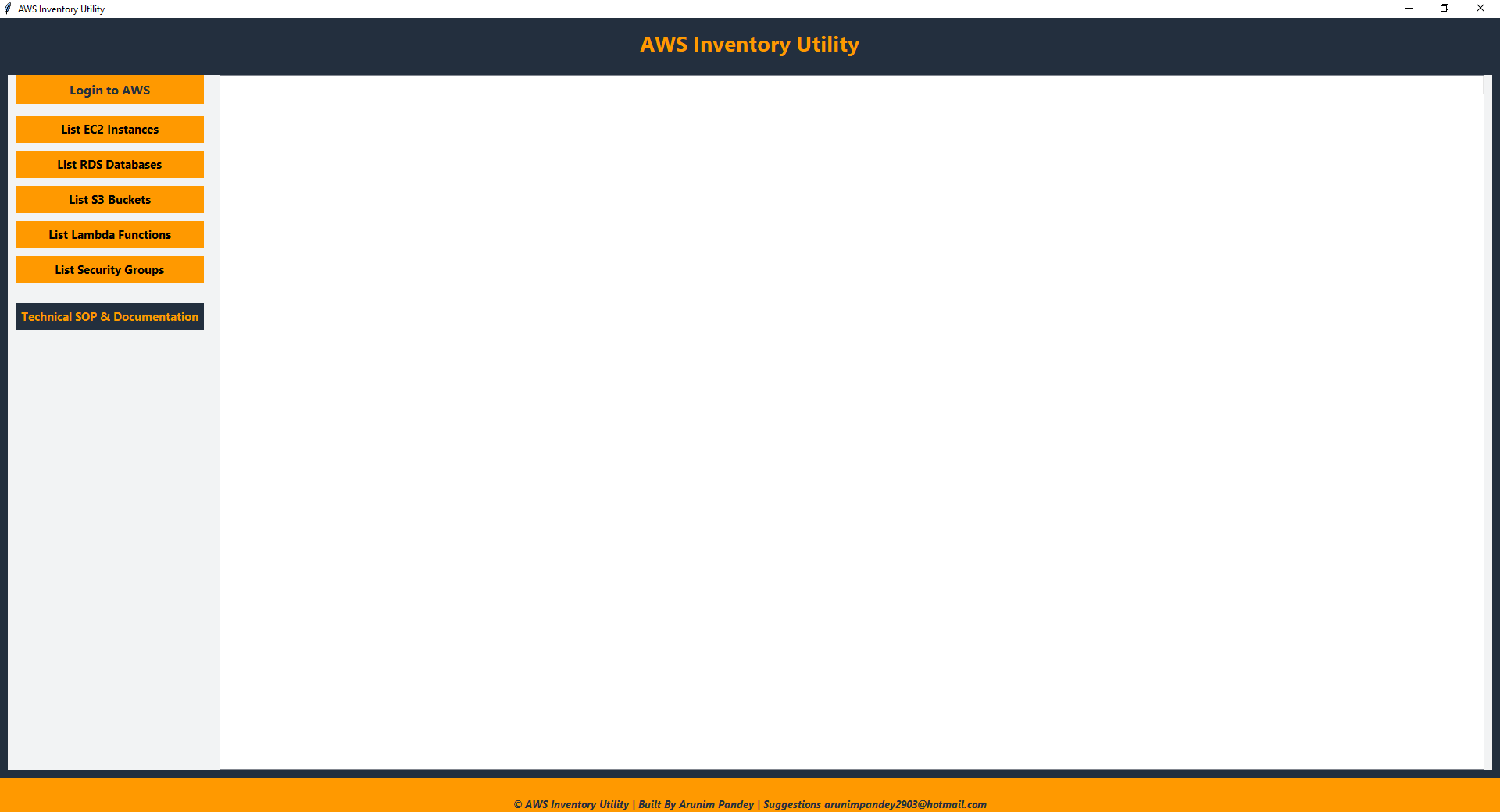
- Intuitive Interface 🖥️: Clean, modern, and AWS-branded—because your tools should look as good as they work.
- Real-time Updates: Watch your inventory populate live, with clear tables and instant counts.
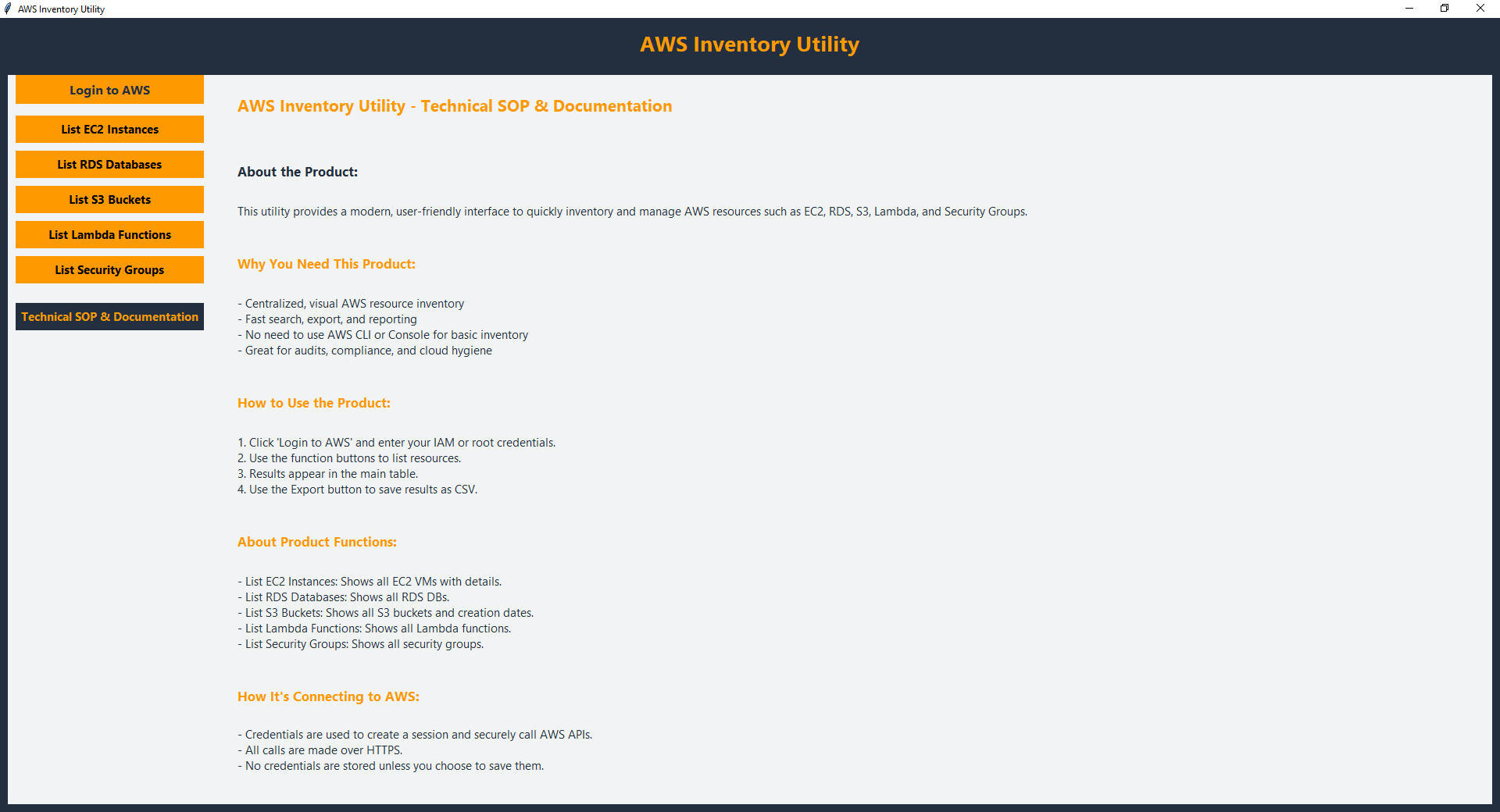
- Technical SOP & Documentation 📚: In-app help for setup, troubleshooting, and best practices—no more frantic Googling.
🎯 Why Choose AWS Inventory Utility?
- Cloud Audits & Compliance: Gather resource data for reports and compliance in seconds.
- Resource Management: Get a bird’s-eye view of your cloud—spot unused resources and optimize costs.
- Cloud Hygiene: Identify, manage, and clean up with confidence—no more zombie instances lurking in the shadows.
- Simplicity: No AWS CLI mastery required—just click, connect, and conquer.
Security Best Practice:
For authentication, the AWS Inventory Utility requires your IAM Access Key ID and Secret Access Key. We strongly recommend using IAM user credentials rather than root account credentials. IAM users allow you to grant only the necessary permissions for inventory tasks, reducing the risk of accidental changes or security breaches. Using IAM access keys instead of root credentials follows AWS security best practices, ensuring your root account remains protected and your cloud environment stays secure.
For authentication, the AWS Inventory Utility requires your IAM Access Key ID and Secret Access Key. We strongly recommend using IAM user credentials rather than root account credentials. IAM users allow you to grant only the necessary permissions for inventory tasks, reducing the risk of accidental changes or security breaches. Using IAM access keys instead of root credentials follows AWS security best practices, ensuring your root account remains protected and your cloud environment stays secure.
🚀 Get Started Today!
Download the AWS Inventory Utility and take command of your AWS environment. Simplify your cloud management workflow and gain instant insights into your valuable resources!
Download the AWS Inventory Utility and take command of your AWS environment. Simplify your cloud management workflow and gain instant insights into your valuable resources!
📸 App Screenshots

© AWS Inventory Utility | Built By Arunim Pandey | All rights reserved