Diagnose, Monitor, and Dominate Your Network—No PhD Required
Say goodbye to network guesswork and hello to clarity! Network Utility is your Swiss Army knife for all things networking—built for IT pros, students, and curious home users alike. Whether you’re tracking down a rogue packet, mapping your route to the cloud, or just want to see if your ISP is fibbing about those “blazing fast” speeds, this app has your back (and your bandwidth).
✨ Why You'll Love It
- Ping Like a Pro: Instantly check connectivity and latency—because “is it up?” shouldn’t be a mystery.
- Traceroute Magic: Visualize every hop between you and your destination. Find bottlenecks, spot slowdowns, and impress your friends with network maps.
- Port Scanning Power: Scan any range (even 0–65535!) to see what’s open, what’s closed, and what’s just pretending.
- Geo & ASN Lookup: Unmask the real-world location and owner of any IP or FQDN. Great for security, compliance, or just satisfying your inner detective.
- TCP-Netconnection: Dive deep into connection details—no more “it works on my machine” excuses.
- Auto Health Reports: Generate beautiful PDF summaries of your network’s health. Perfect for audits, documentation, or showing your boss you’re on top of things.
- Real-Time Graphs: Visualize ping times, packet loss, and more—because numbers are better with pictures.
- Modern, Intuitive UI: No command-line gymnastics. Just click, scan, and conquer.
- Network Traffic Analyzer: Visualize and analyze real-time network traffic for better troubleshooting and optimization.
- Bandwidth Usage Monitor: Track bandwidth consumption per device or application.
- Packet Capture Utility: Capture and inspect network packets for advanced diagnostics.
- Network Device Discovery: Automatically find all devices on your network, including hidden or rogue devices.
- Wi-Fi Signal Strength Mapping: Map Wi-Fi coverage and identify weak spots in your environment.
👤 Who's This For?
- IT Pros & Network Engineers: Diagnose, monitor, and maintain even the trickiest networks—without breaking a sweat.
- Sysadmins: Scan ports, generate reports, and troubleshoot faster than you can say “ping.”
- Developers: Test APIs, debug endpoints, and make sure your apps are talking to the right servers.
- Students & Learners: Get hands-on with real-world networking tools—no jargon, just results.
- Home Users: Check your Wi-Fi, troubleshoot slowdowns, and finally win those “it’s the router’s fault” debates.
If you need to understand, monitor, or troubleshoot any network—at home, at work, or in the cloud—Network Utility is built for you!
🖼️ Screenshots
Main Dashboard
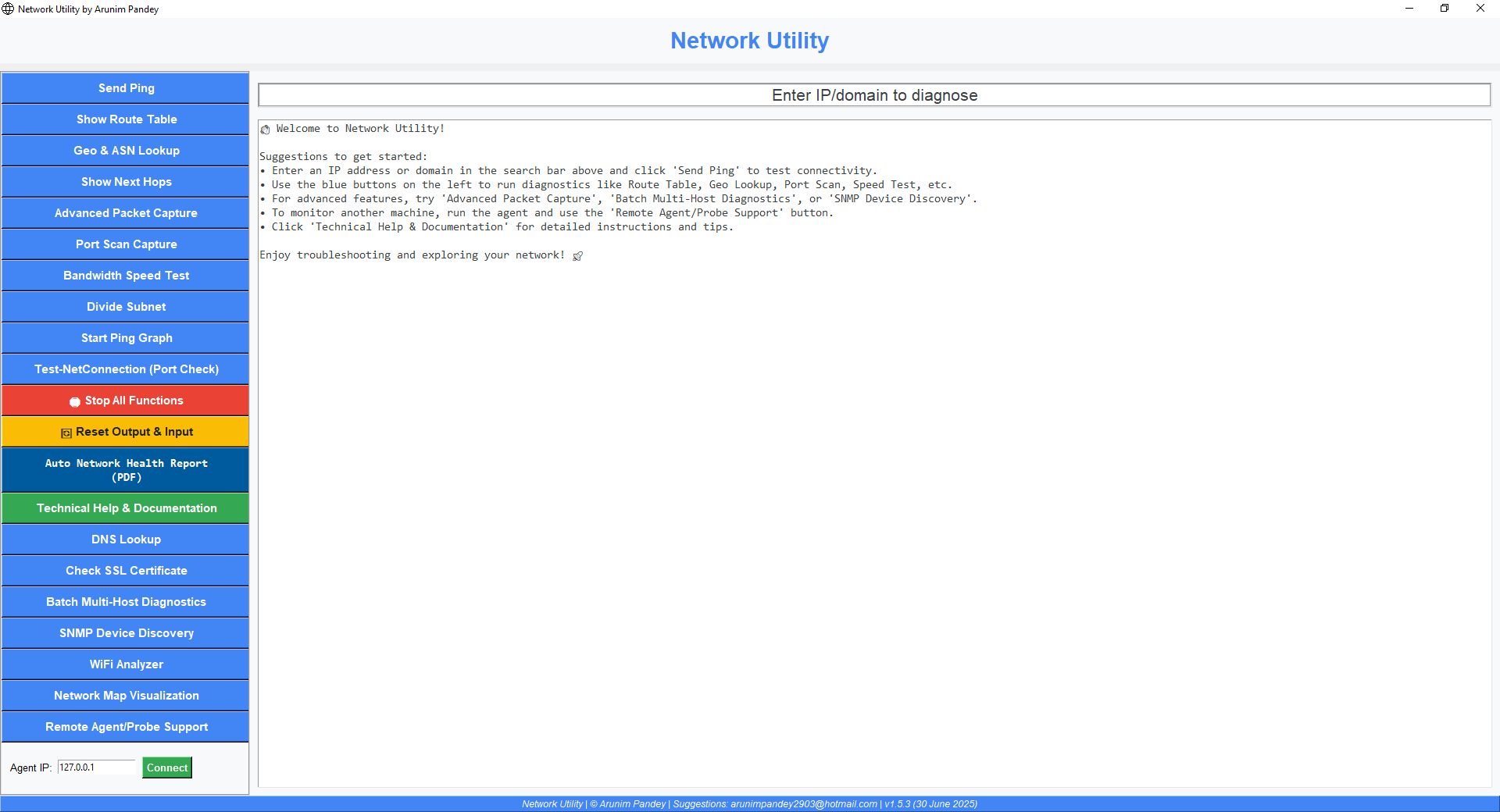
Ping Test
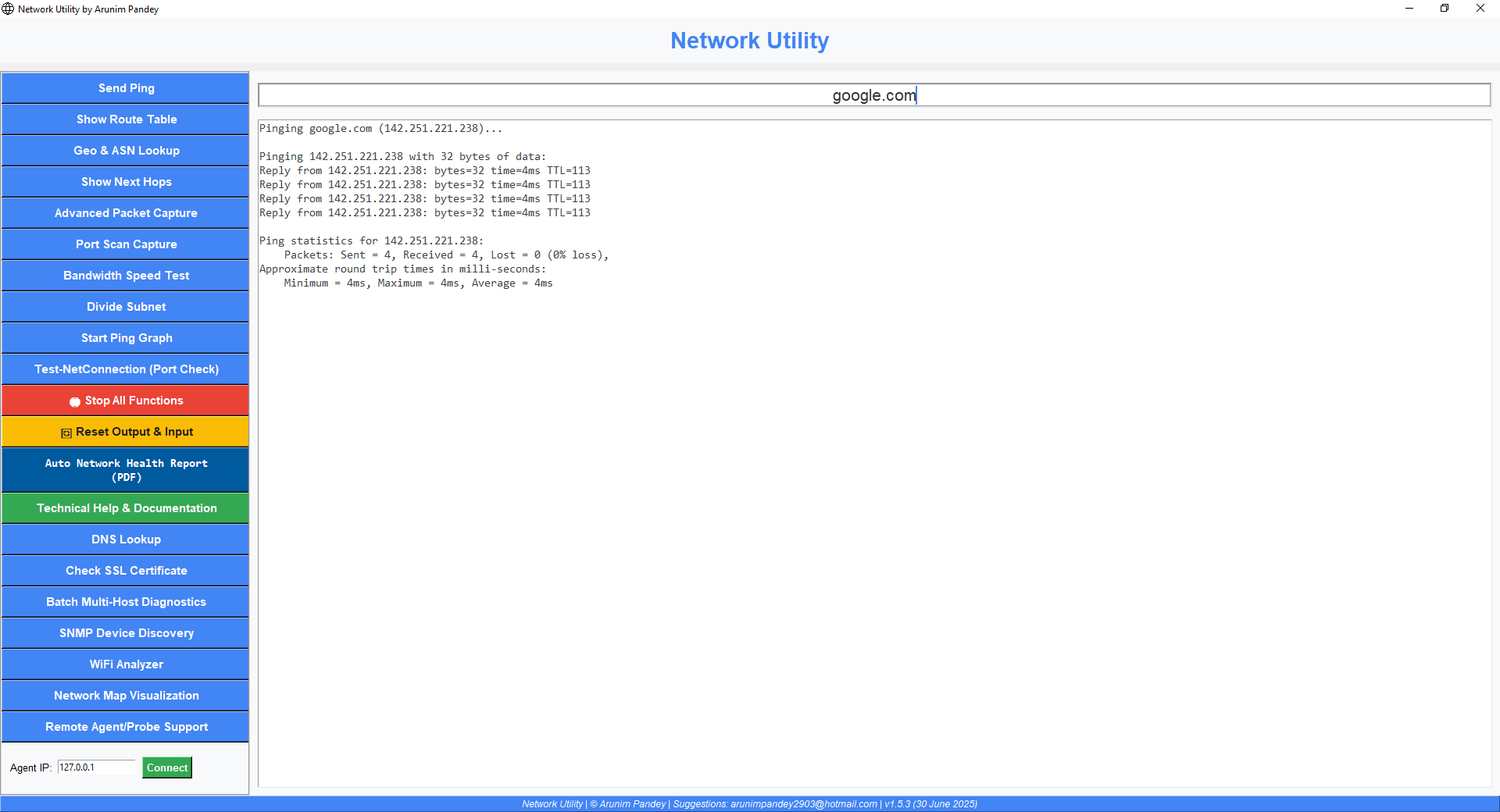
Geo & ASN Lookup
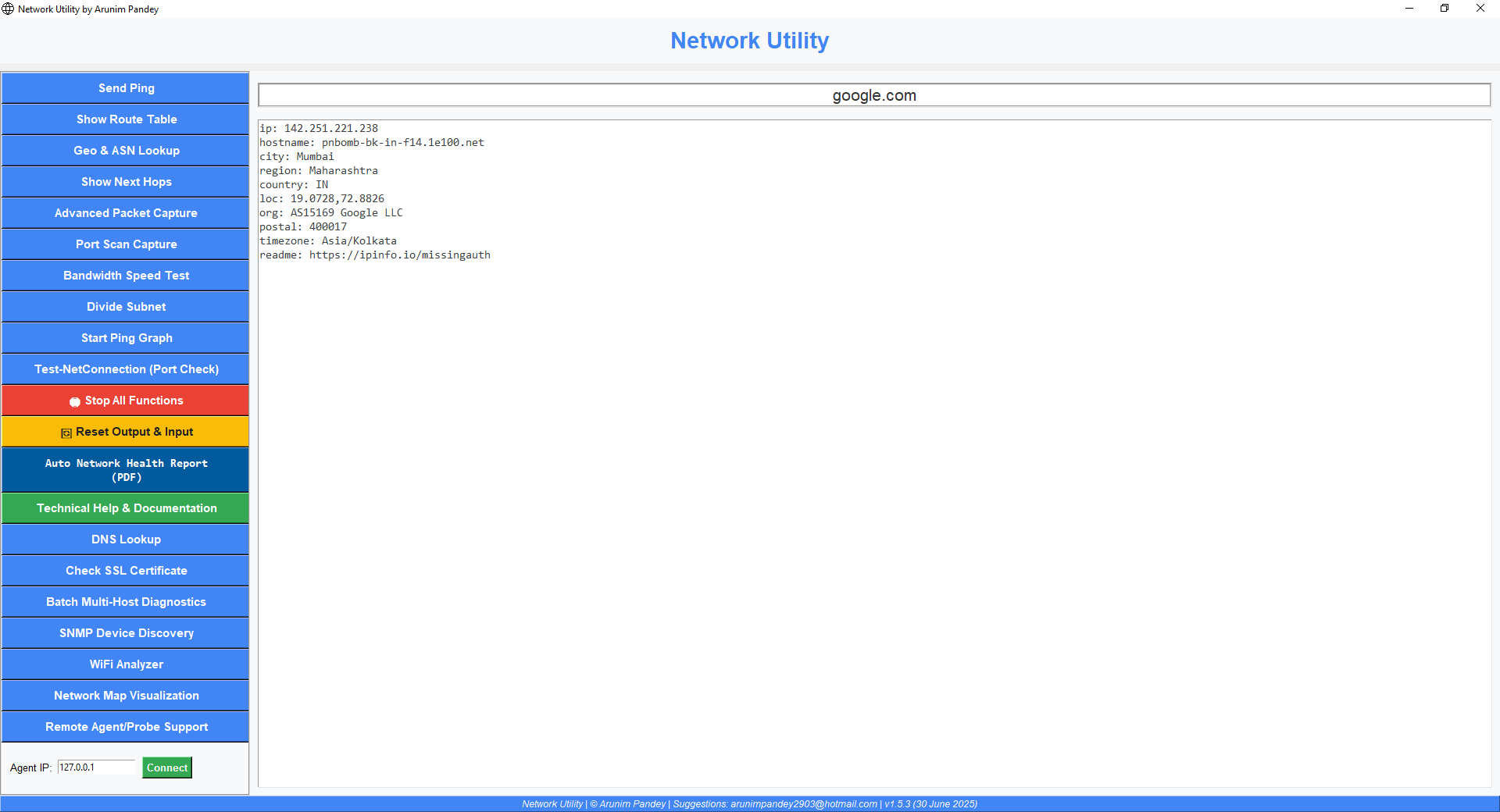
Ping Graph
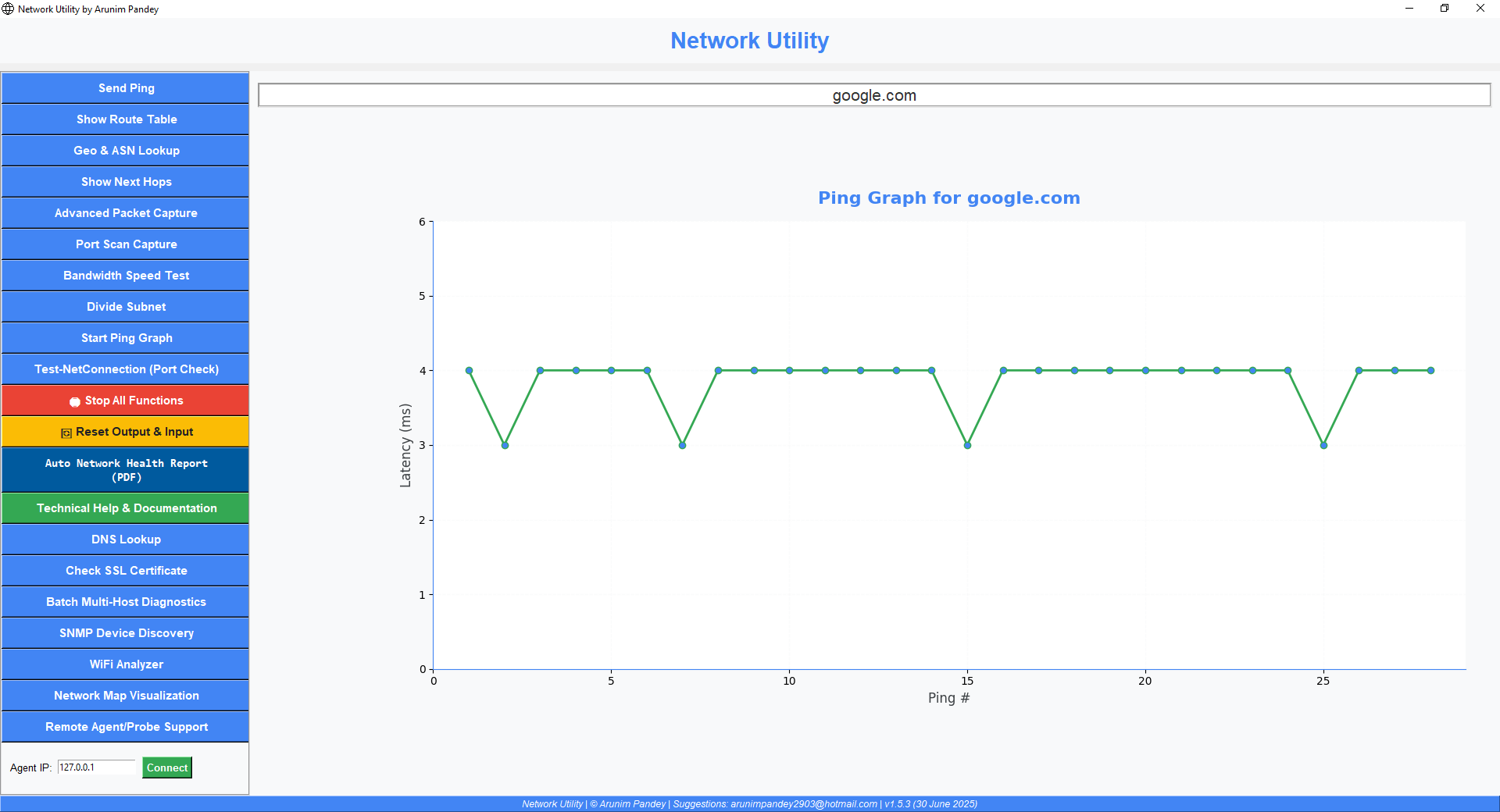
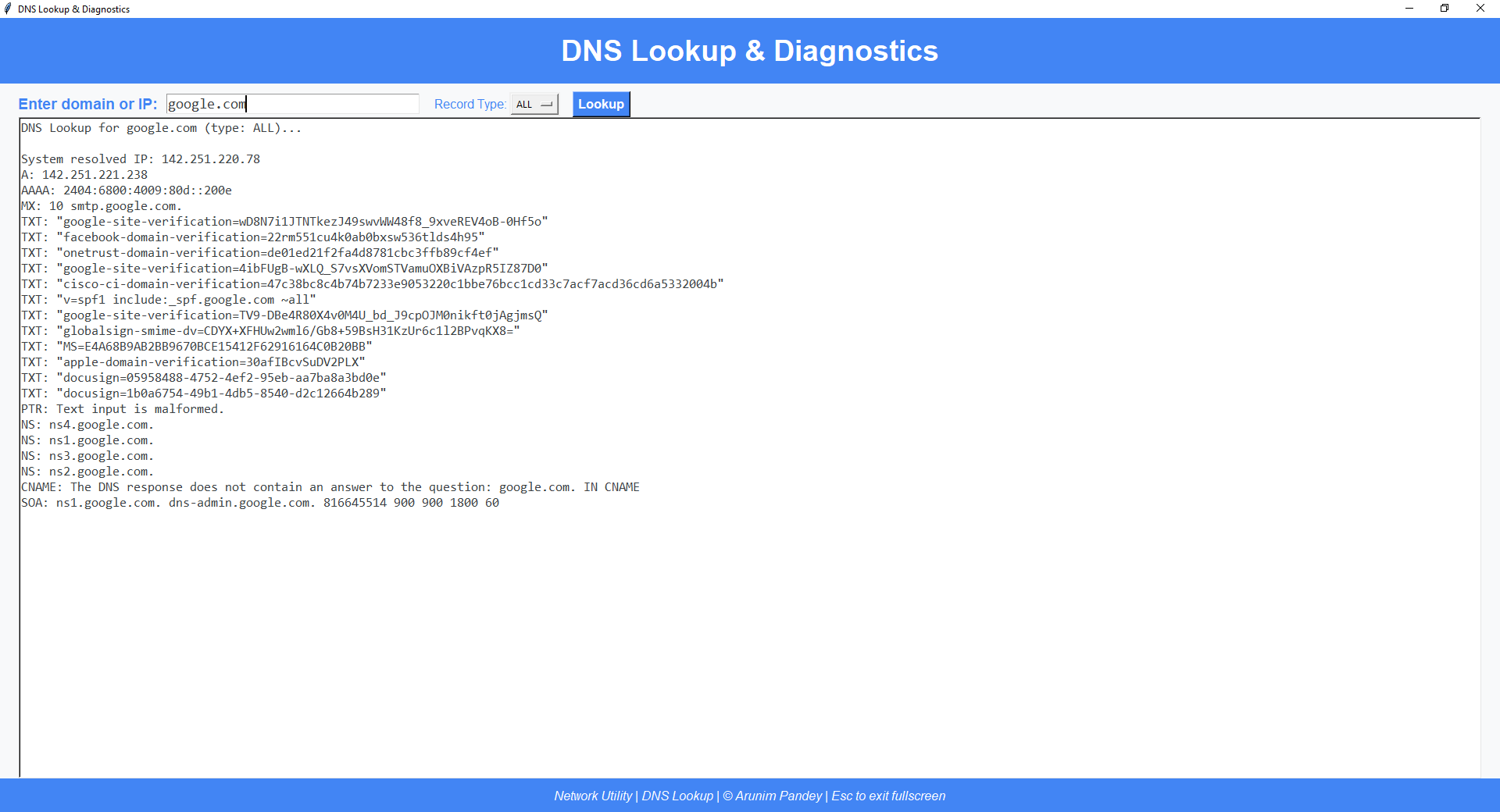
DNS Lookup And Diagnosis
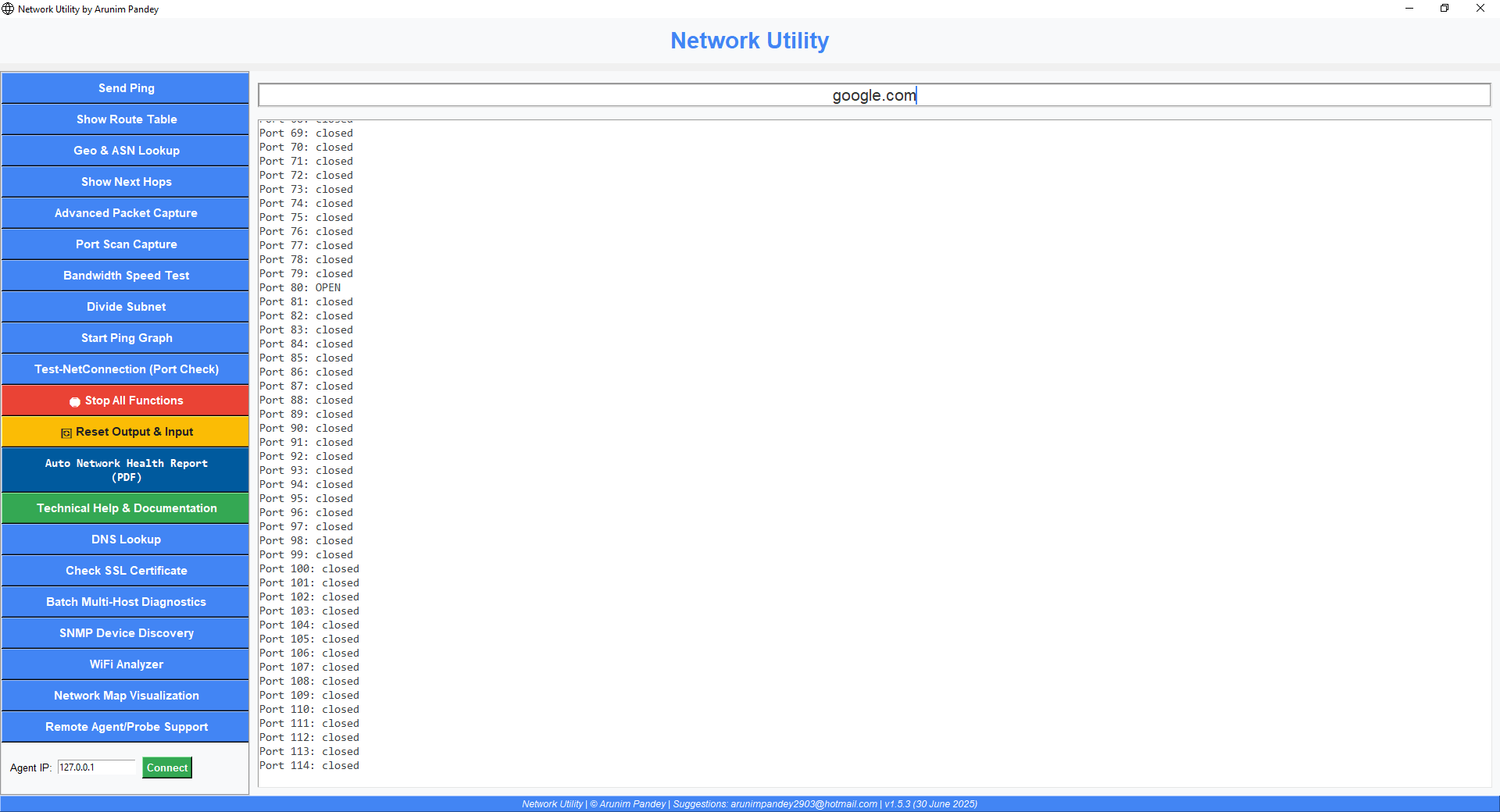
port Scan Capture
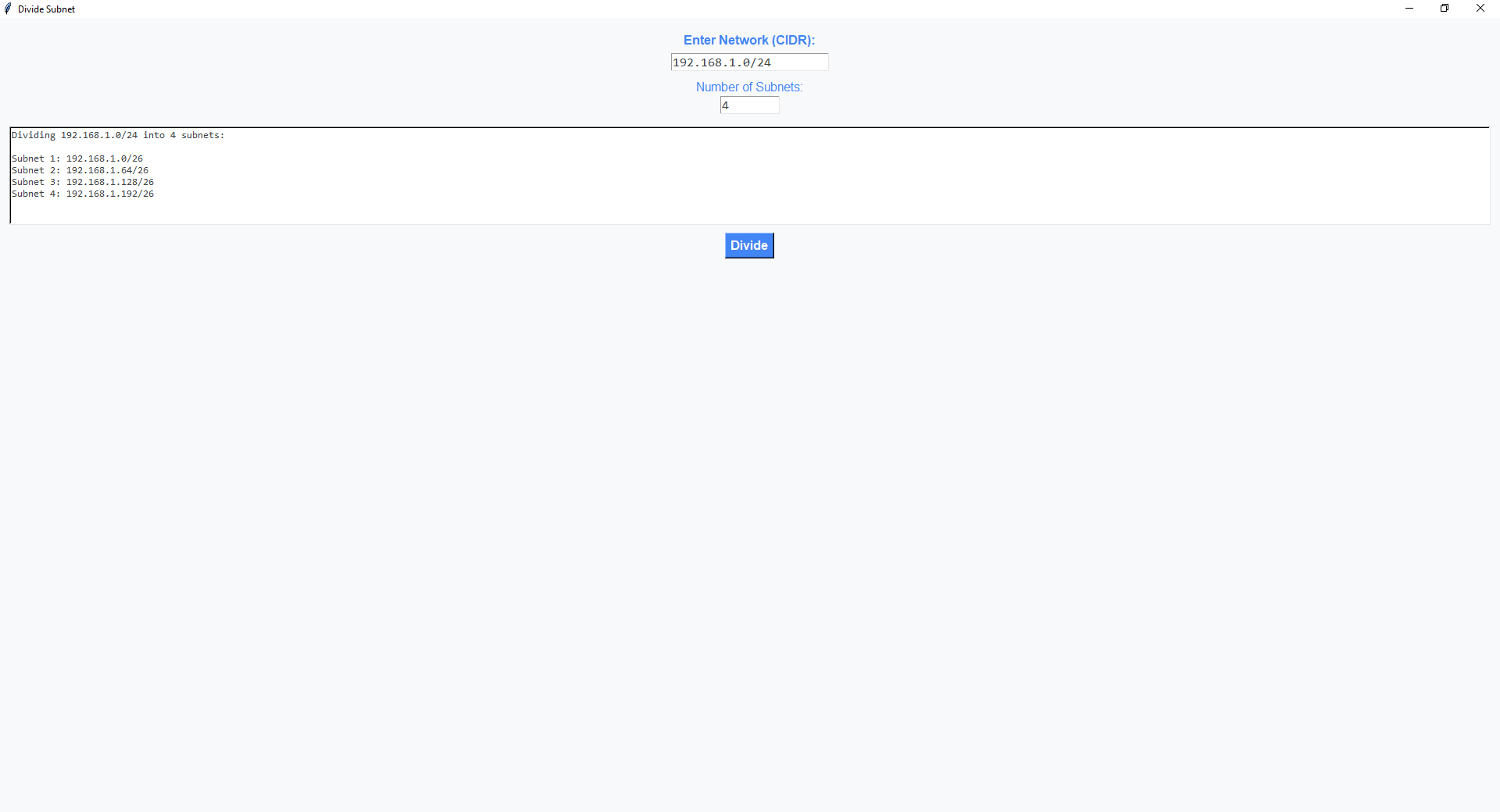
Subnet Division
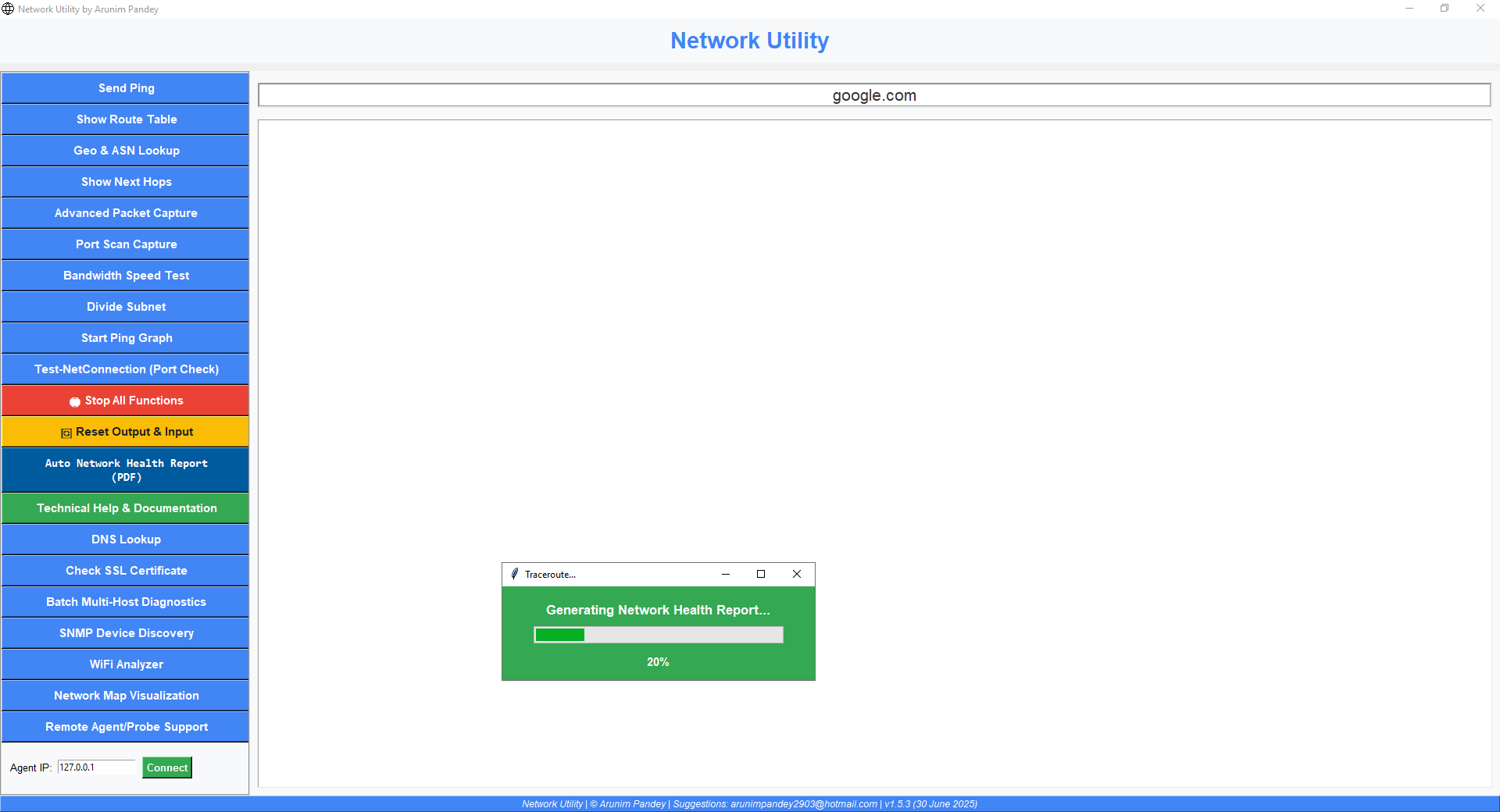
Auto Network Health Report (PDF)
Agent Confirmation to install
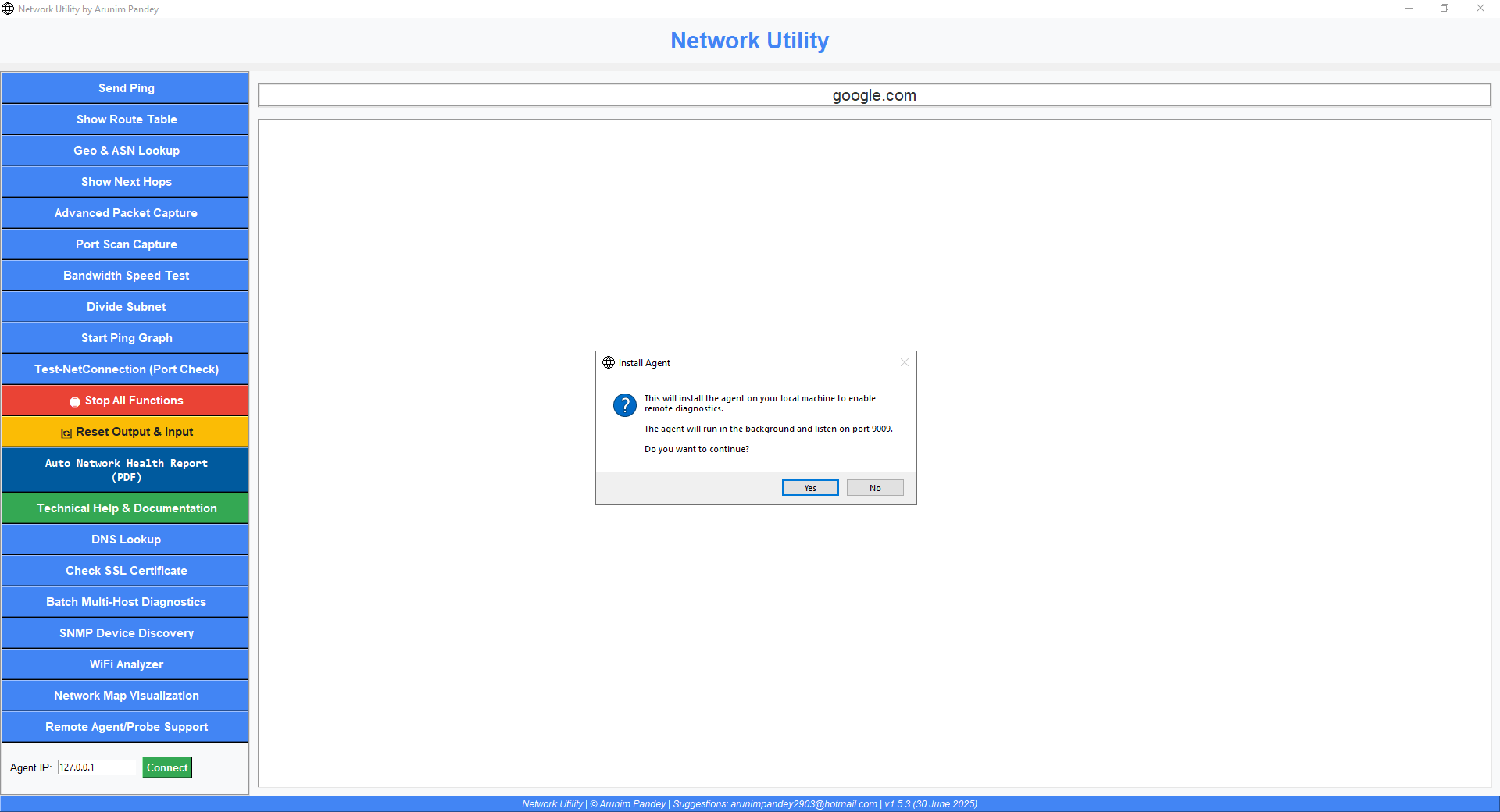
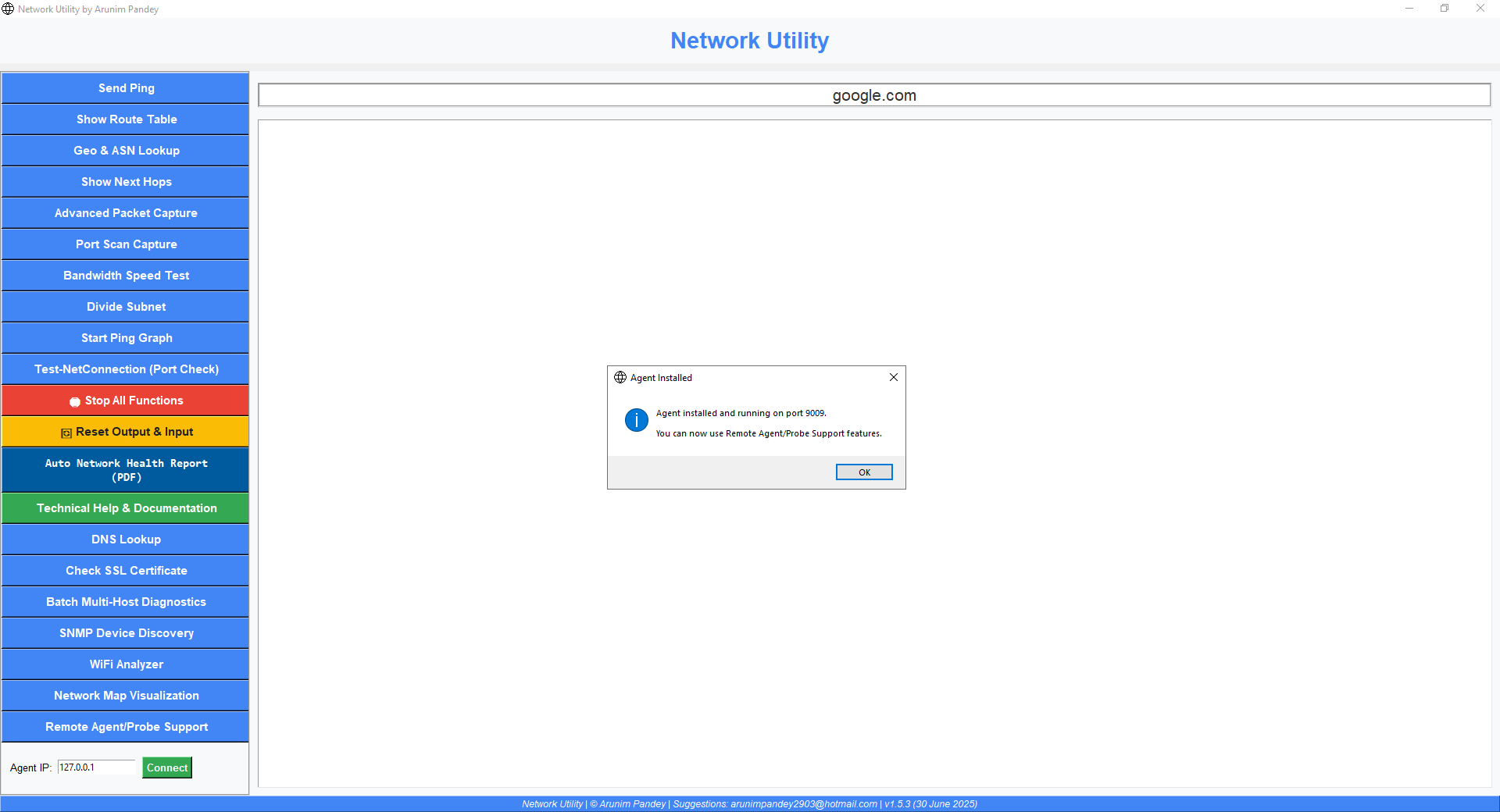
App install agent to Remote Computer
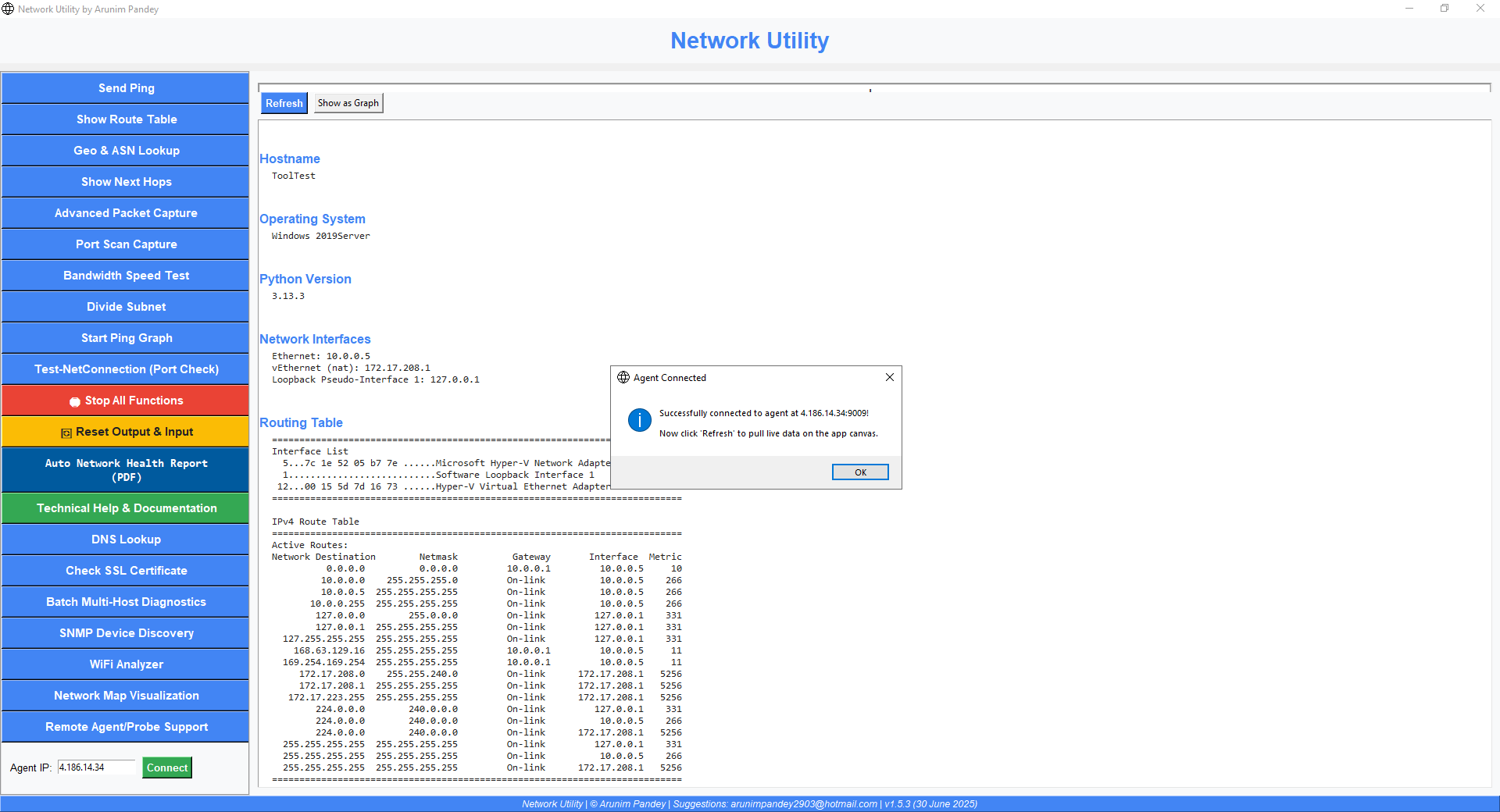
Agent Pulls Remote Network Hardware & Software in detail
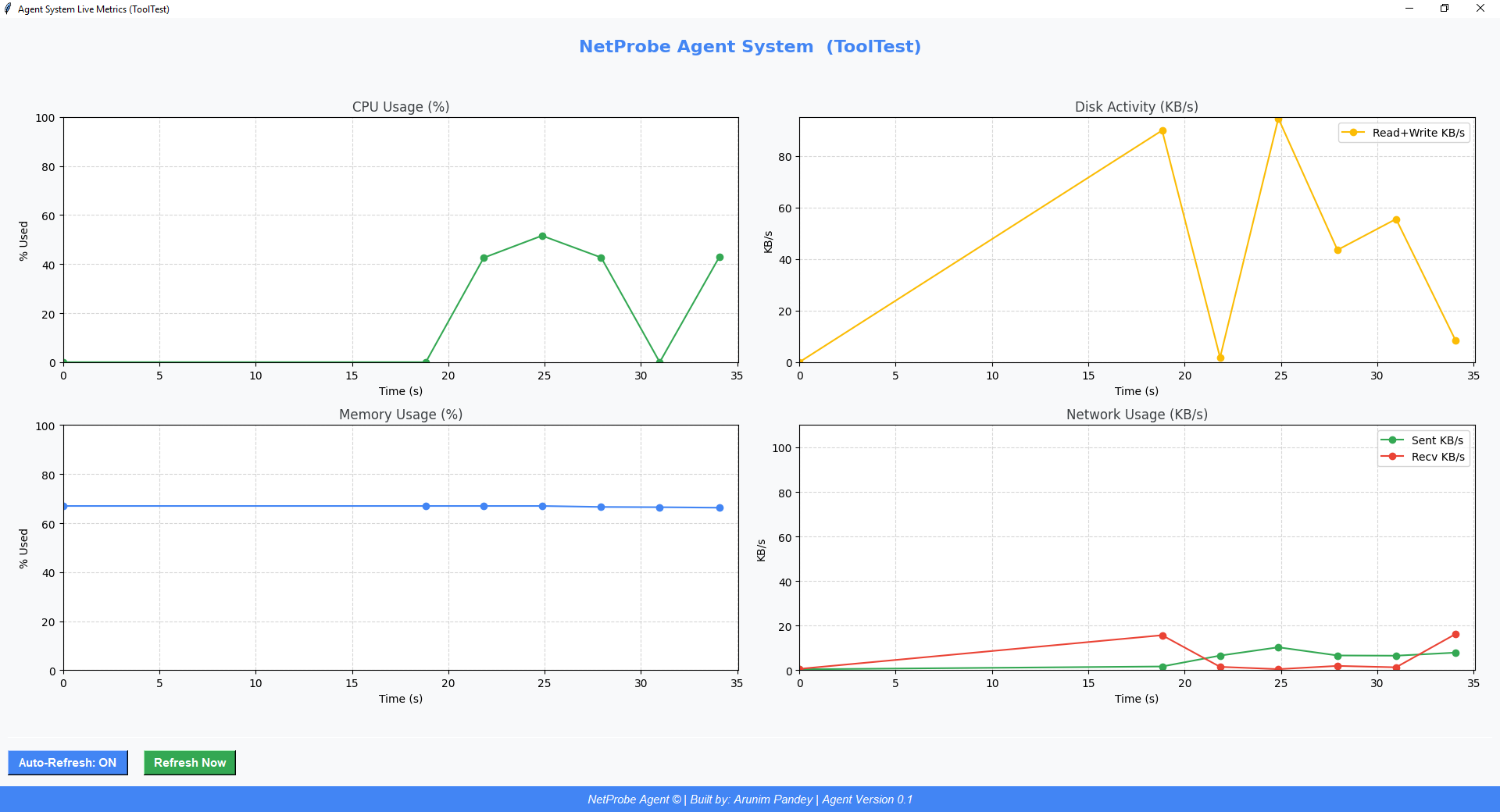
Visualize Remote resources on Graph via App Agent
🛰️ NetProbe Agent Connect: Deep Remote Diagnostics
NetProbe Agent Connect works like a cosmic satellite for your network! It lets you securely connect to a remote system using its public IP over port 9009. Just click the "Agent Connect" button in the app, enter the remote system's public IP, and instantly pull a detailed network and system report—no manual setup required!
- Uses a lightweight NetProbe Agent running on the remote machine—your own orbiting probe for IT diagnostics.
- All data is fetched live—no files left behind, no persistent connection. It’s like a satellite flyby: quick, thorough, and leaves no trace.
- Great for troubleshooting, audits, or remote support—get a cosmic view of your network health from anywhere in the universe.
What does the NetProbe Agent do?
The NetProbe Agent listens on port 9009 and, when contacted, gathers and beams back a full telemetry snapshot of the remote system, including:
- System info: Hostname, OS, Python version
- Network interfaces: Full details (ipconfig/ifconfig)
- Routing table
- Firewall rules
- WiFi info (Windows only)
- NIC hardware info
- Network usage stats (bytes sent/received per second)
All results are sent back as easy-to-parse JSON for instant graphing and reporting in the app—giving you a cosmic, real-time view of your network’s health and configuration, just like a satellite scanning a planet from orbit.