🛡️ VaultBeam – Backup made easy, so you can focus on what matters.
VaultBeam Backup Utility
VaultBeam is a robust backup solution for IT professionals and everyday users. It enables fast, secure backups to local drives, cloud storage, and remote servers, all from a simple interface. No scripting required—just select, click, and relax.
Product Overview
- Local backup: Copy files and folders from your PC to flash drives, external hard drives, or other local storage.
- Cloud backup: Upload data to Amazon S3 or Azure Blob Storage for offsite protection.
- Remote backup: Transfer files securely to remote machines using SFTP over SSH (Windows/Linux/VM).
Designed for IT teams, developers, and non-technical users. Reliable, fast, and secure—no command line needed.
Key Features
- Multi-threaded transfers for speed and reliability (up to 8 threads).
- Deduplication: skips files that already exist at the destination.
- Progress tracking, ETA, and exportable CSV reports.
- All credentials are kept in memory—never saved to disk.
- Works on Windows 10+, Windows Server 2016+, Ubuntu 20.04+, macOS (Python 3.7+).
Technical Capabilities
- Python 3 + Tkinter GUI (Material-inspired design).
- Thread-safe queue and multi-threaded file transfers.
- SFTP transfers via Paramiko.
- S3 integration with boto3 and multipart uploads.
- Azure Blob integration using official SDK.
- Exportable logs and reports for compliance.
- Fully local execution—no telemetry or background syncs.
Security Highlights
- No passwords or credentials saved to disk.
- All connections encrypted (HTTPS for cloud, SSH for remote).
- Supports isolated environments with no internet access.
Backup Performance Tuning
VaultBeam's performance tuning lets you control how backups use system resources and network bandwidth.
- Chunk Size (MB): Set how much data is read/written or uploaded in each operation. Larger chunks mean faster transfers for big files, but use more memory. Smaller chunks are safer for low-memory systems.
- Thread Count: Choose how many files are processed in parallel. More threads can speed up backups, but use more CPU and network bandwidth.
- For local backups, VaultBeam splits your file list among threads and copies files chunk by chunk.
- For S3/Azure, threads upload files simultaneously, maximizing upload speed and bandwidth.
- For remote/VM backups, threads use SSH/SFTP to send files in parallel.
- Recommended: Chunk 16–64 MB, Threads 4–8 for most systems.
- If you set chunk size or thread count too high, VaultBeam will warn you and clamp to safe values.
- To avoid throttling, start with recommended values and increase gradually if your system can handle it.
System Requirements
- OS: Windows 10+, Windows Server 2016+, Ubuntu 20.04+, macOS (Python 3.7+)
- RAM: 512MB+
- Disk: 100MB (excluding backup data)
App Screenshots
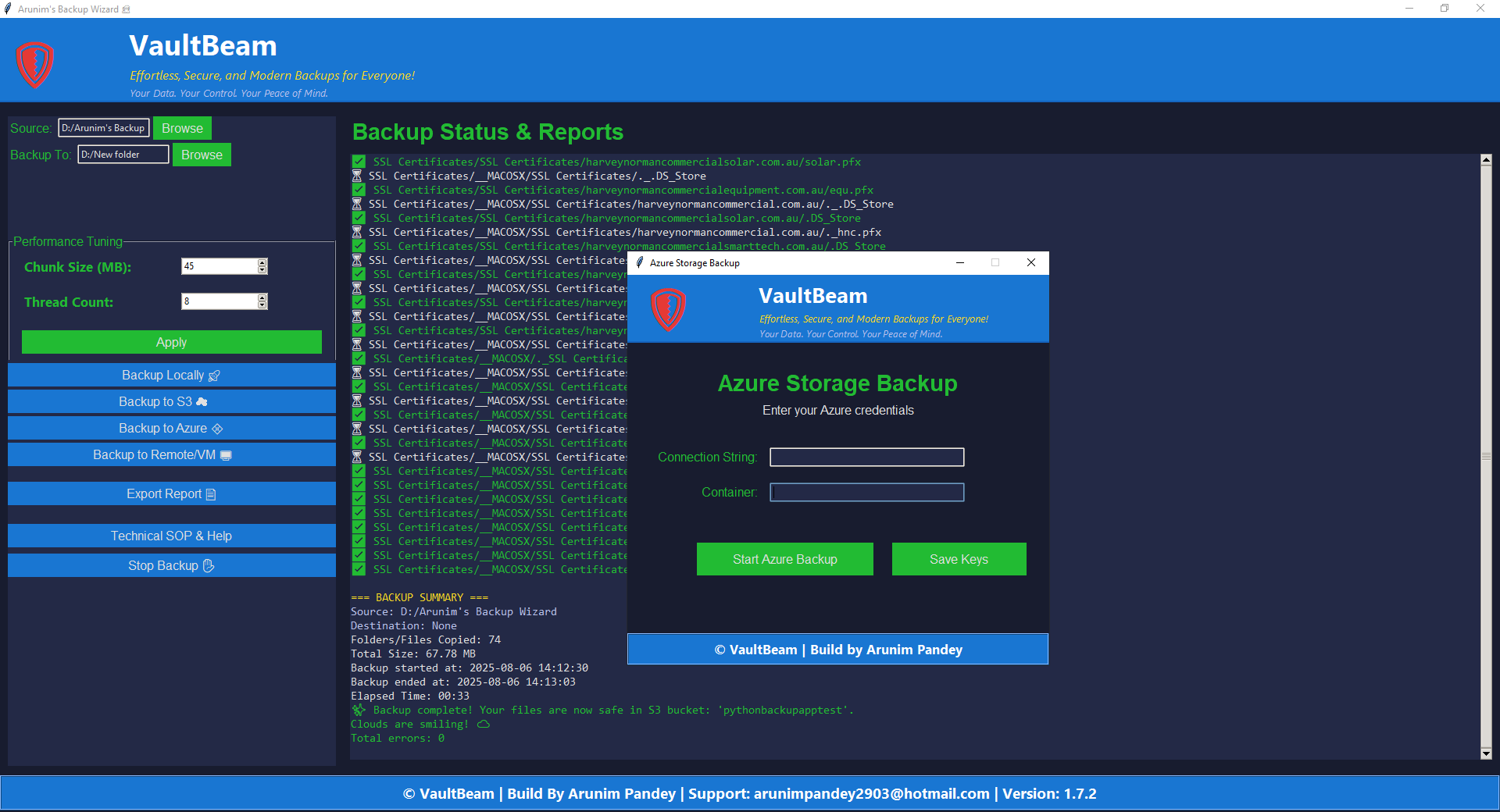
💠 Azure Storage Login
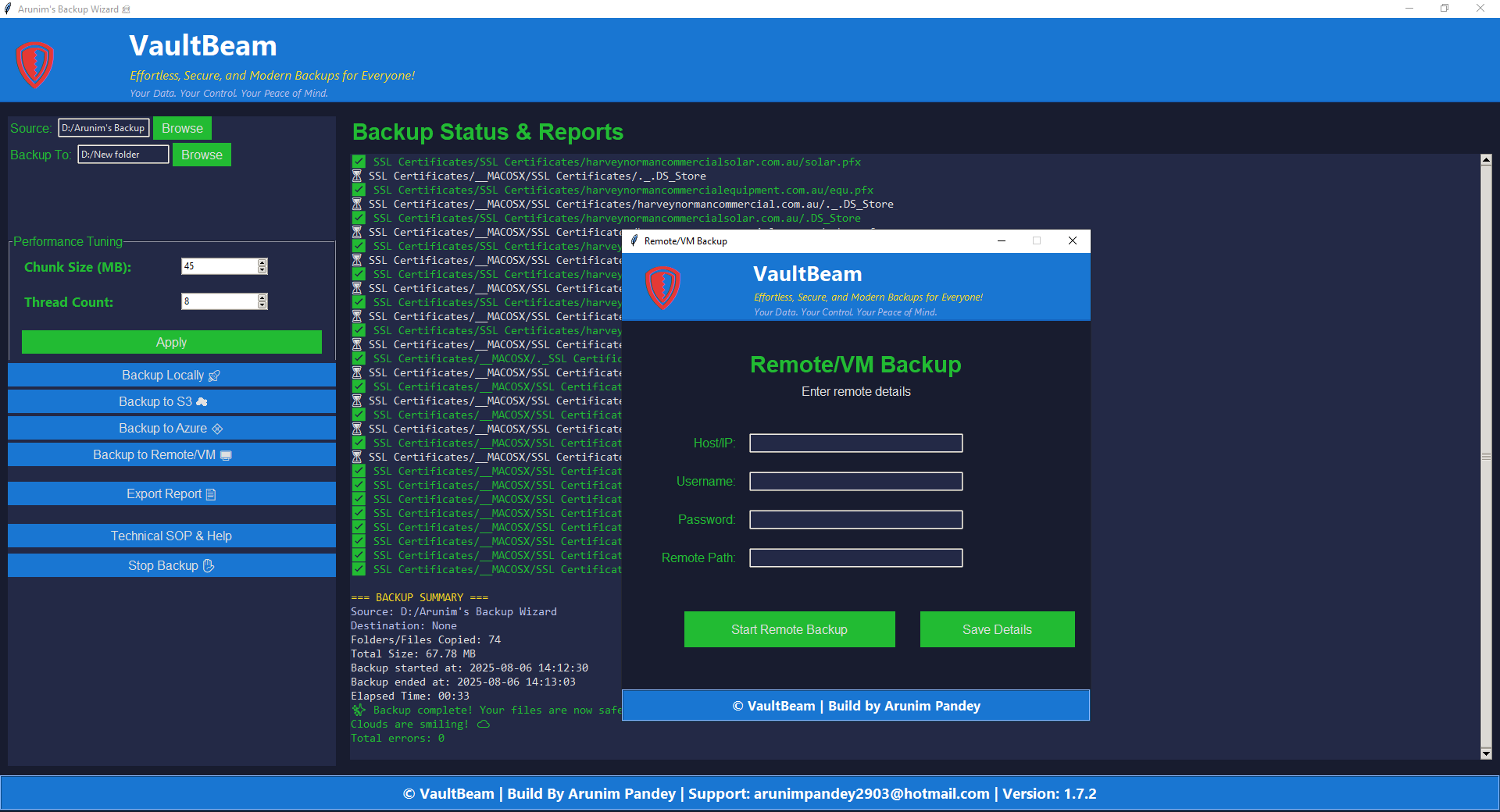
🌐 Remote Login
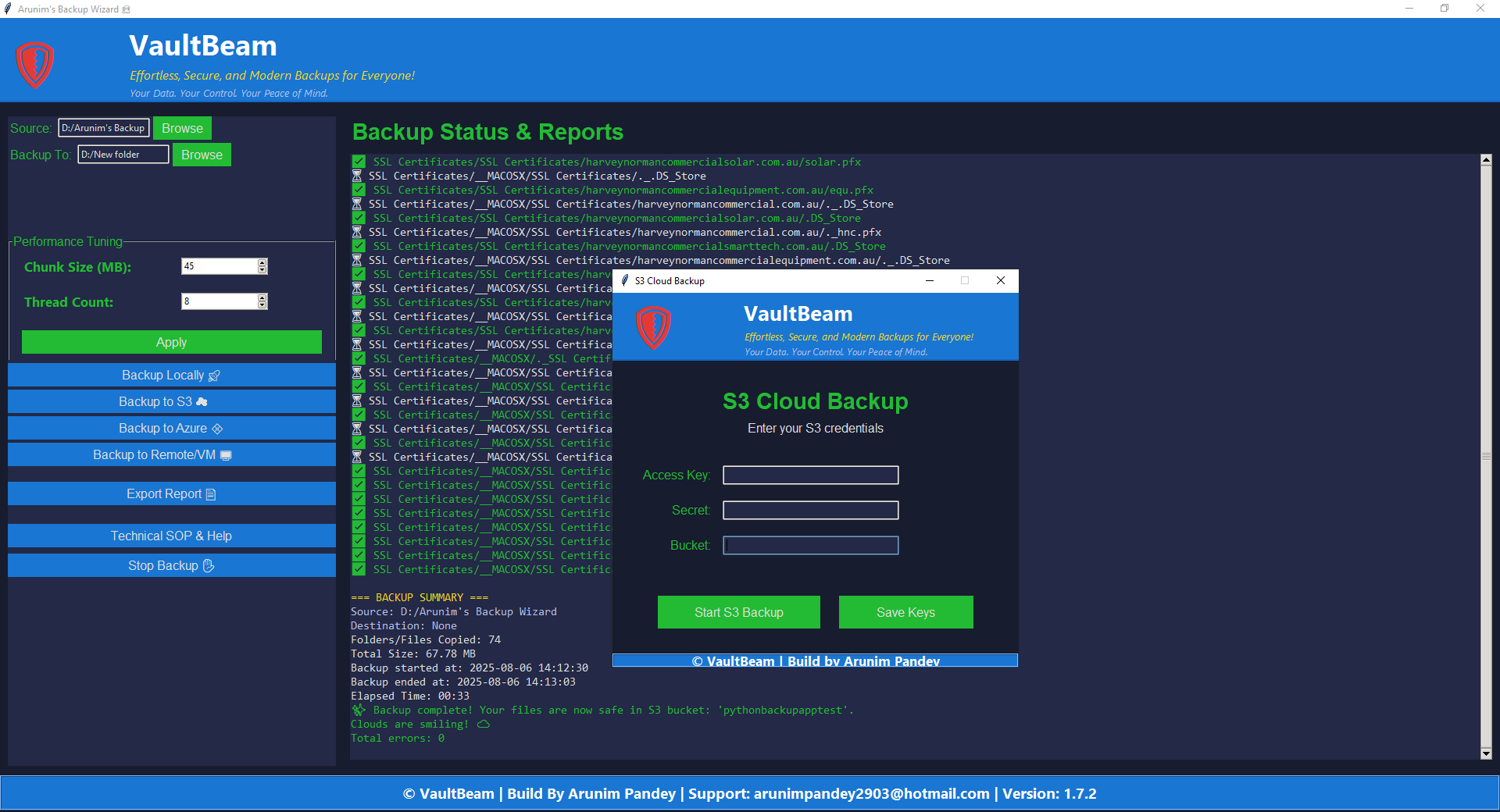
☁️ S3 Window
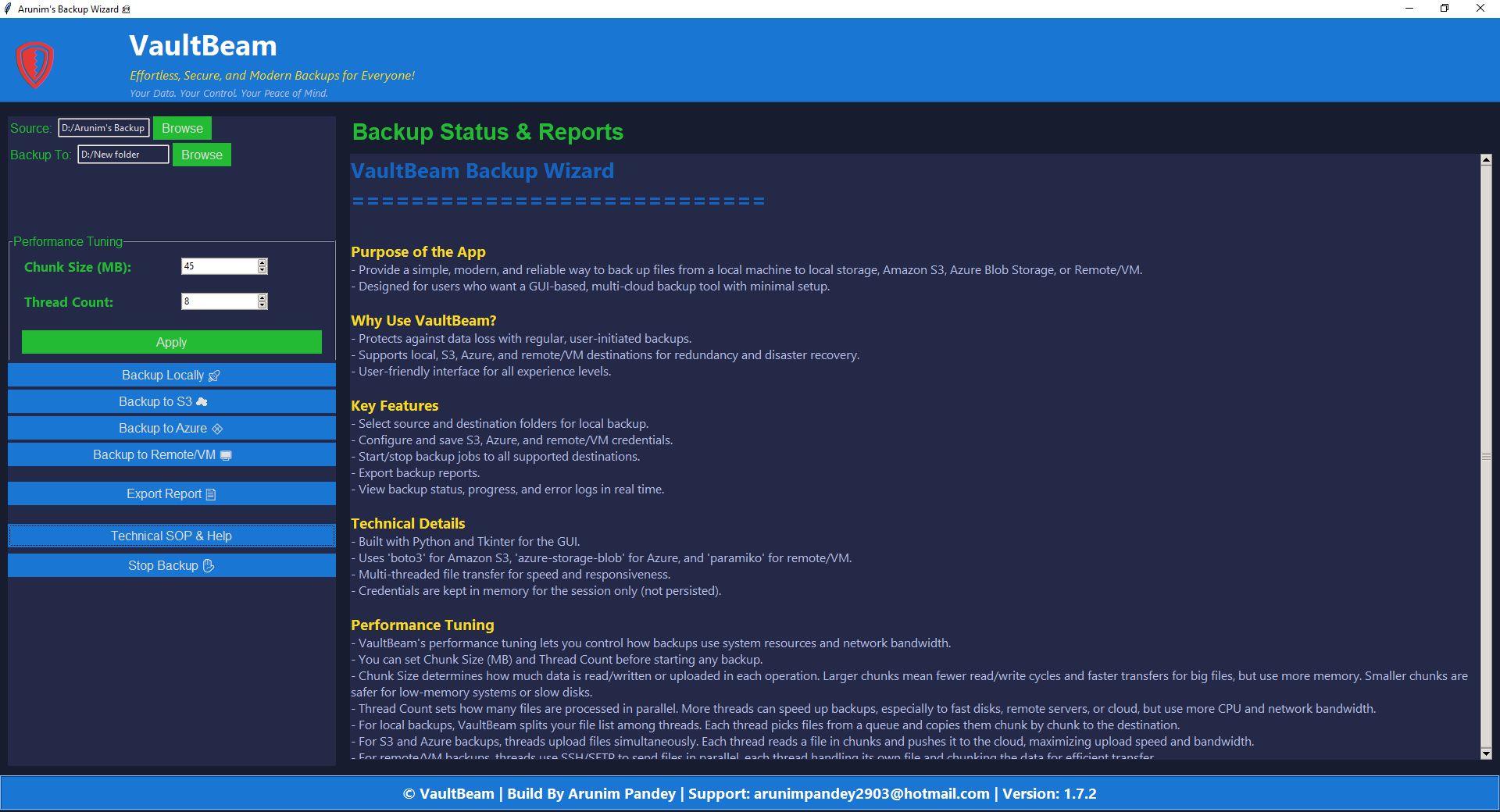
🛠️ SOP Panel
© VaultBeam Backup Utility | Built By Arunim Pandey | All rights reserved
← Back to Home