🌐 Arunix Browser – Modern Python Web Browser for Devs & IT Pros
AI Assistant API Key Info:
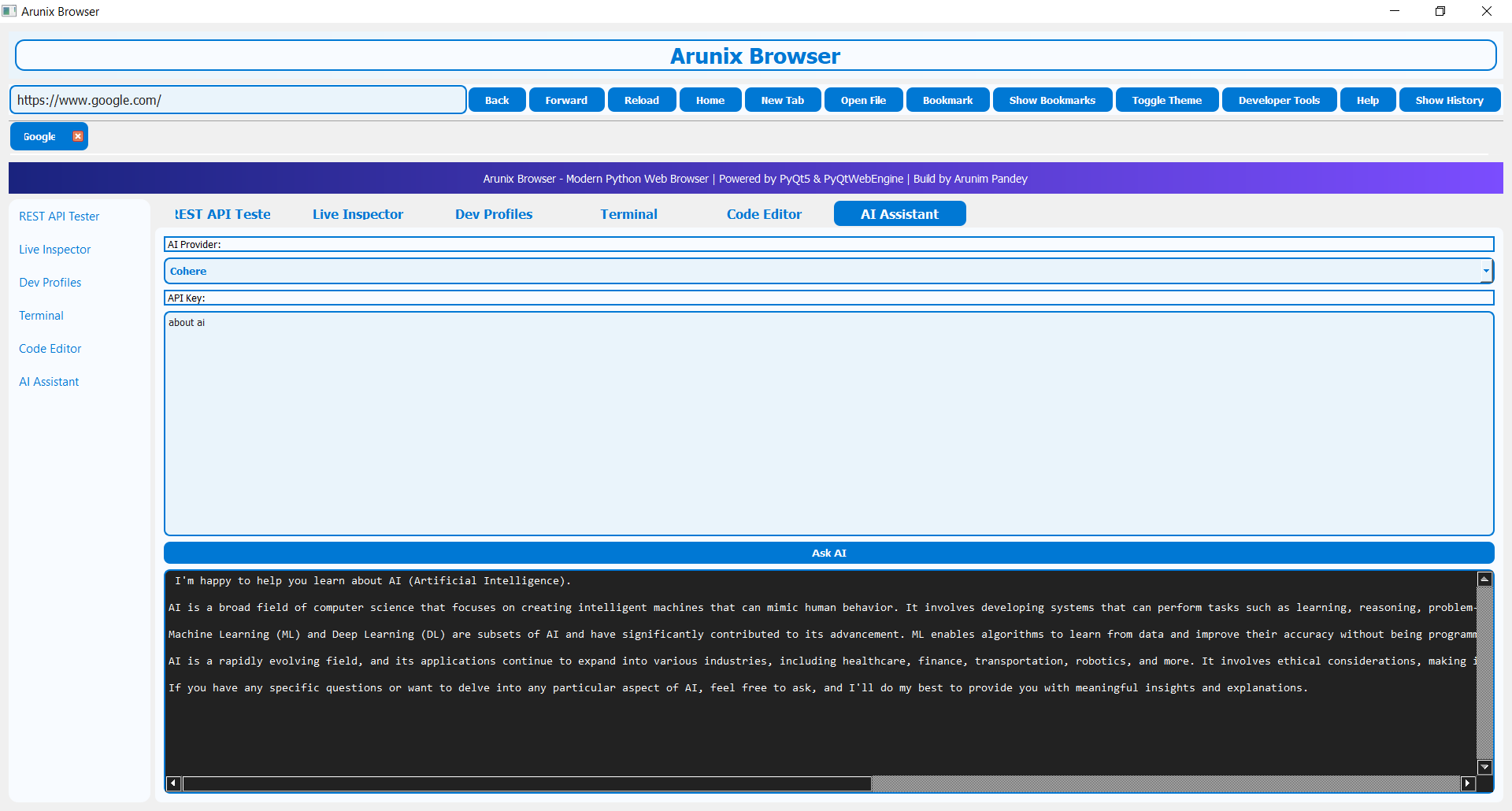
Arunix Browser uses a Cohere trial API key by default for the AI Assistant. This trial key has usage limits and may restrict access to advanced features or higher volumes.
Want to use OpenAI, Claude, Gemini, Sonnet, or your own Cohere account?
Please bring your own API key for any supported model. Enter your key in the extension settings to unlock full capabilities and avoid trial restrictions.
Arunix Browser uses a Cohere trial API key by default for the AI Assistant. This trial key has usage limits and may restrict access to advanced features or higher volumes.
Want to use OpenAI, Claude, Gemini, Sonnet, or your own Cohere account?
Please bring your own API key for any supported model. Enter your key in the extension settings to unlock full capabilities and avoid trial restrictions.
Arunix Browser Utility
Arunix Browser is a modern, multi-tab Python browser built for developers, IT professionals, and power users. It combines browsing, REST API testing, live HTML/CSS/JS inspection, code editing, SSH terminal, and AI assistant—all in one sleek interface.
Product Overview
- Tabbed Browsing: Fast, modern UI with navigation controls and bookmarks.
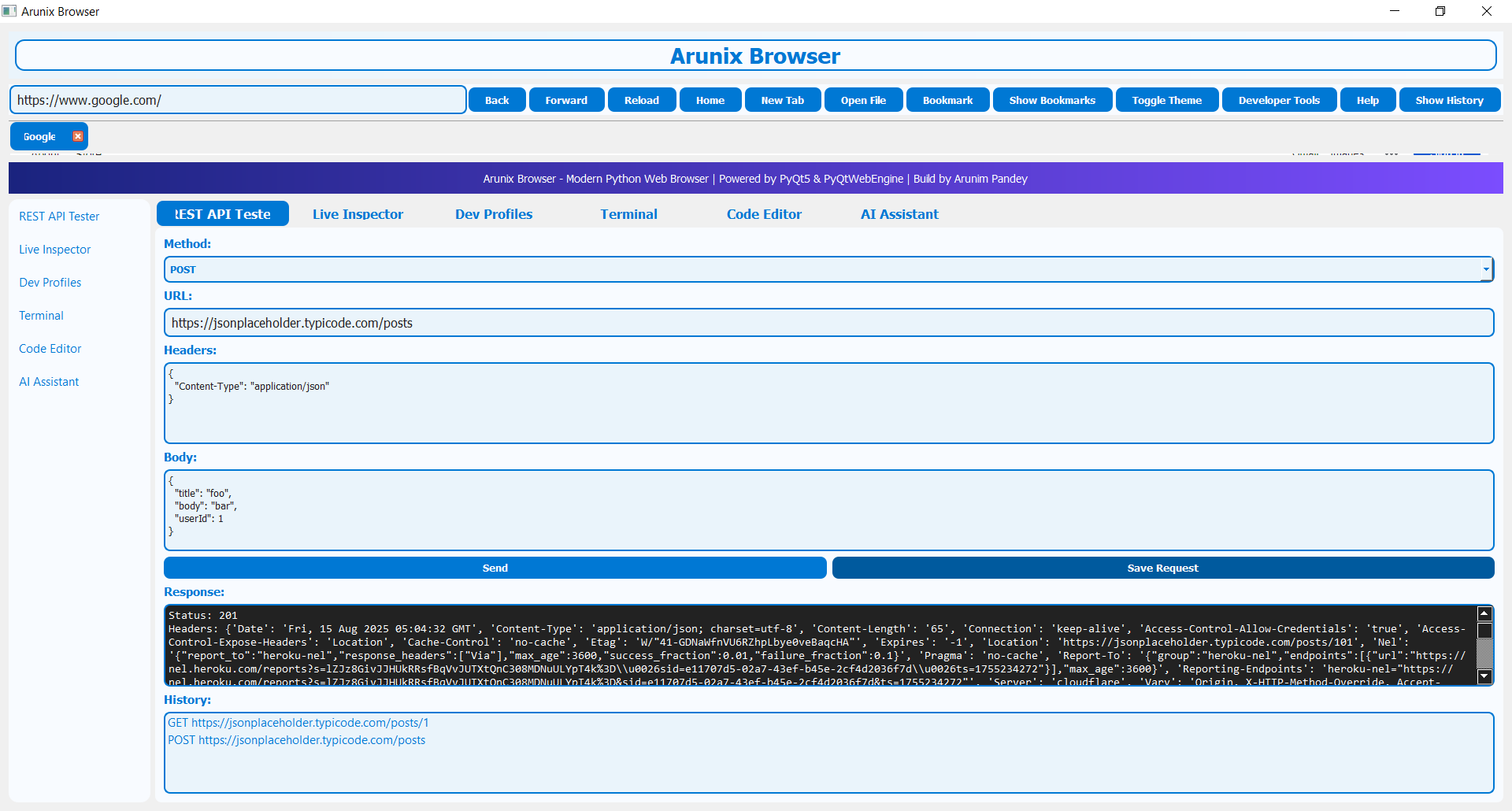
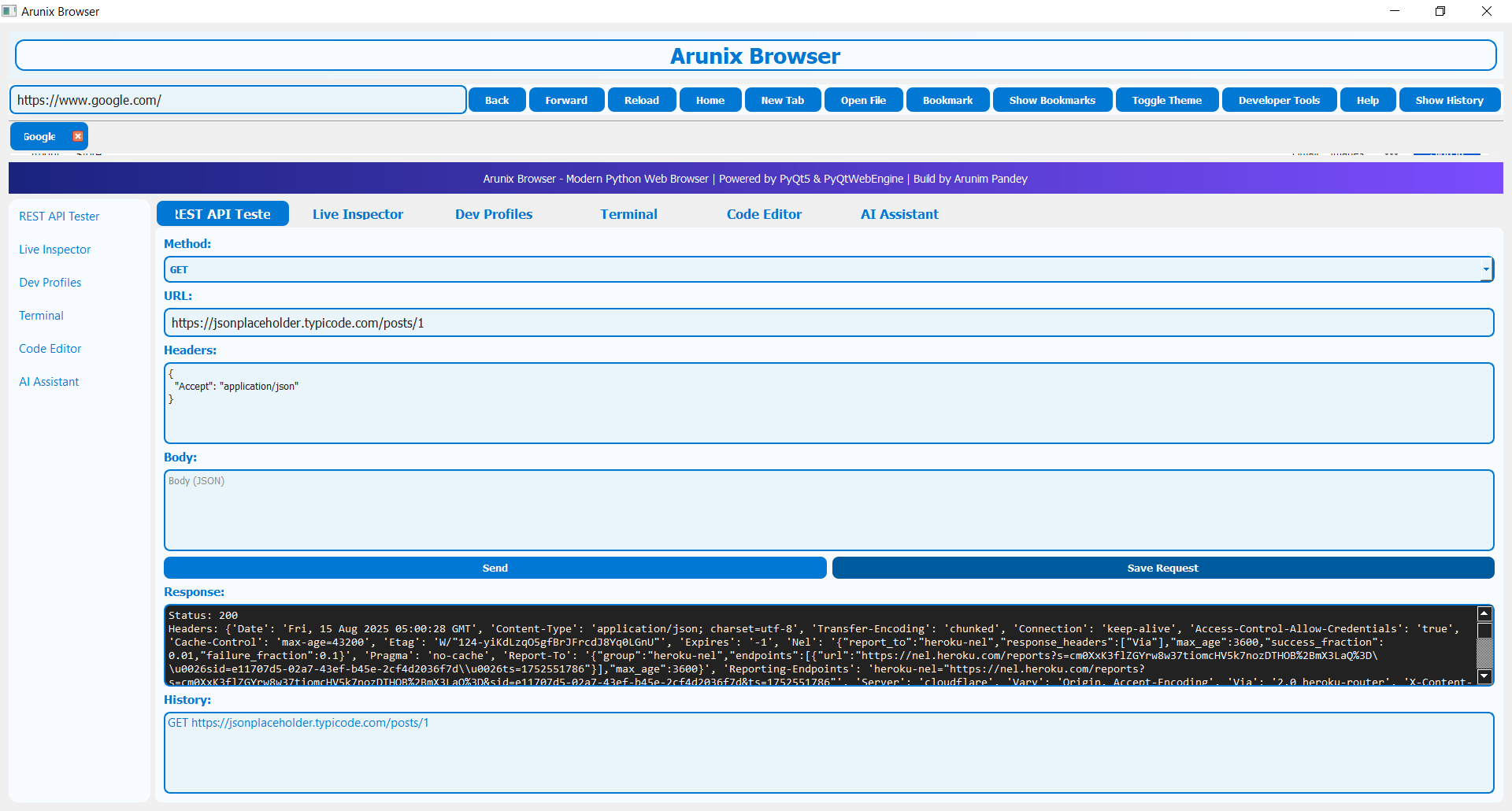
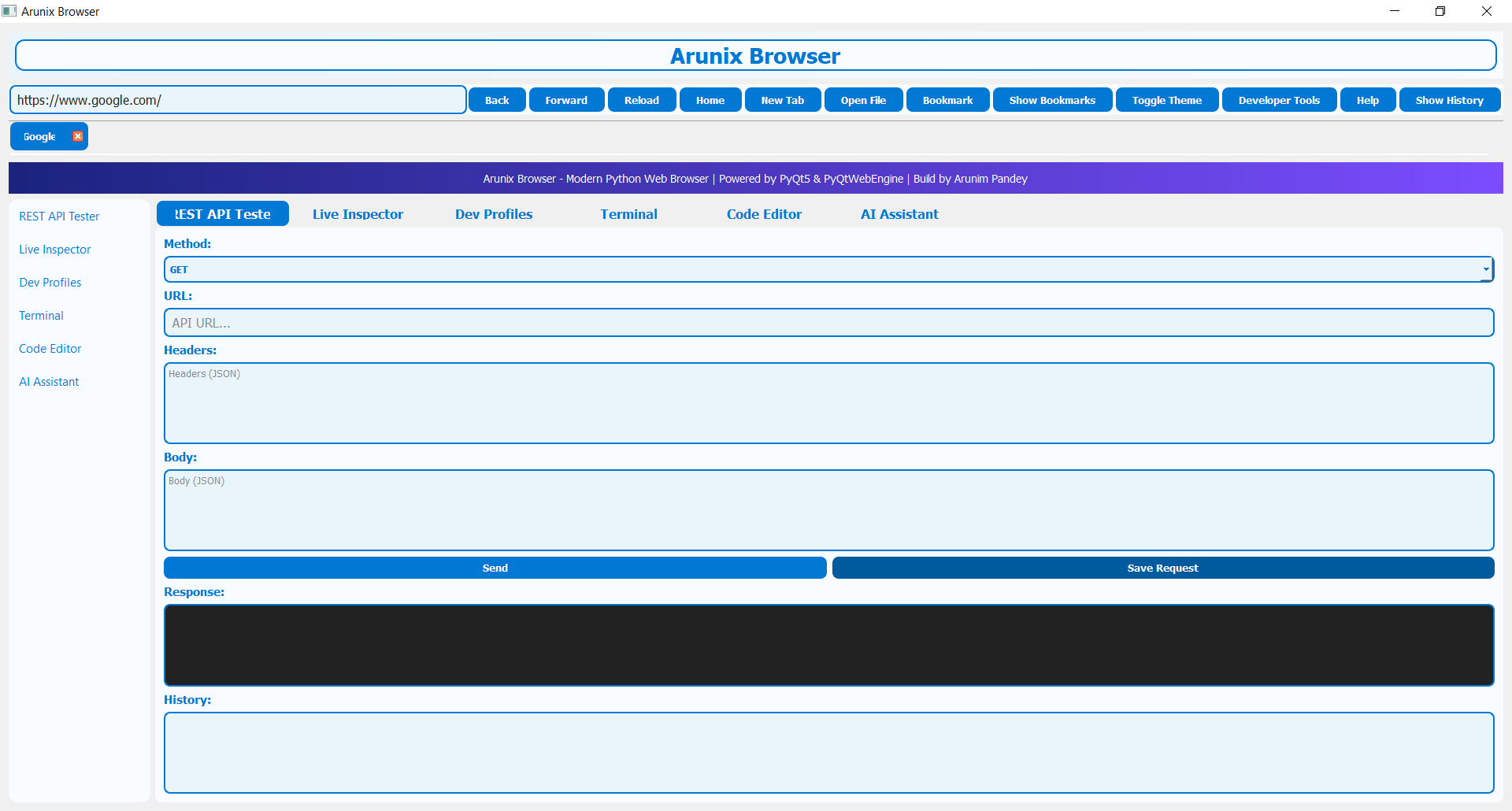
- REST API Tester: Send, save, and load API requests. View response history.
- Live Inspector: Inspect HTML/CSS/JS of any element. Handles CSP errors gracefully.
- Dev Profiles: Switch user agents, manage cookies, and API keys for all tabs.
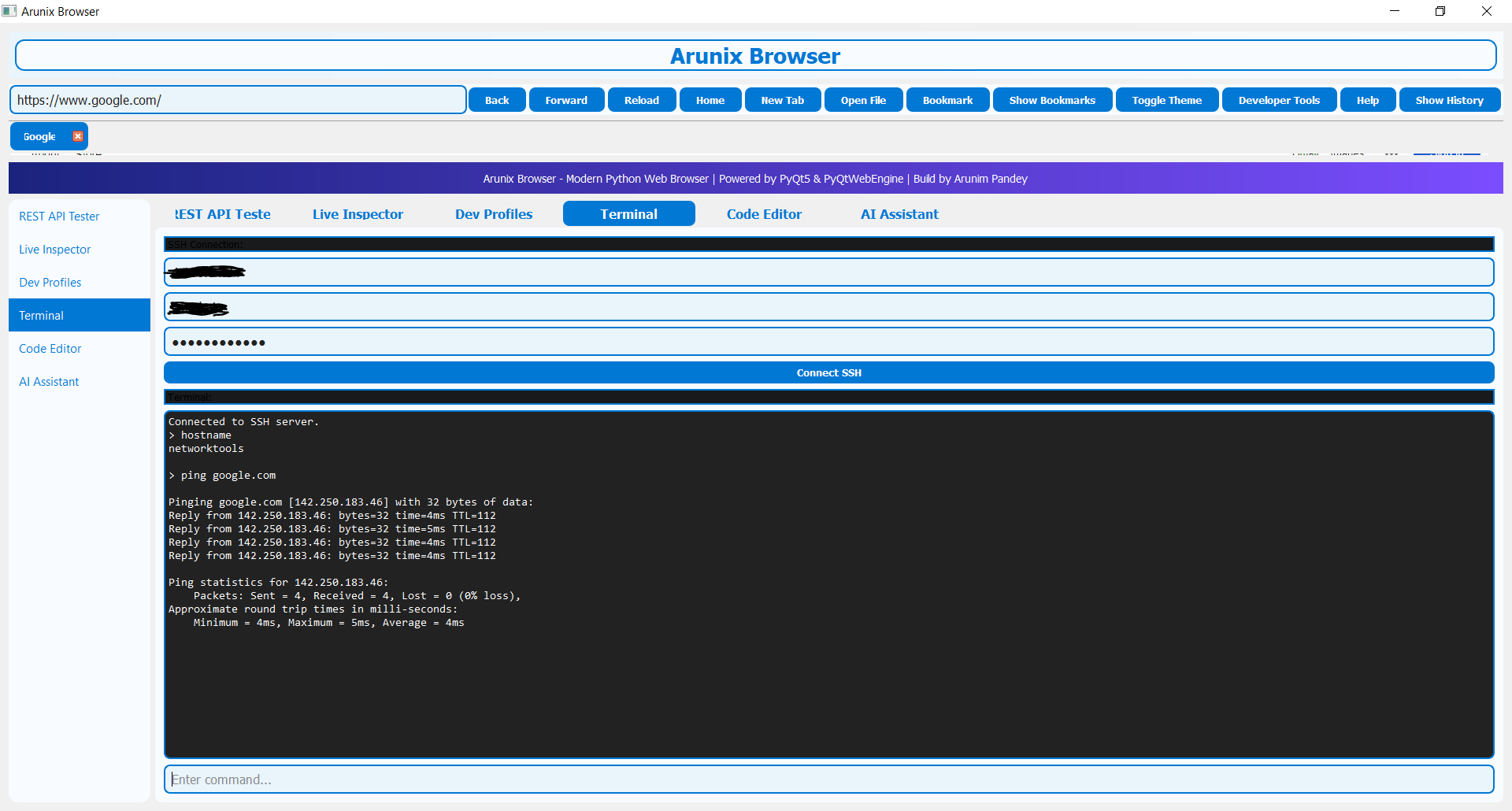
- Terminal: SSH into servers, run commands, and view output in a secure tab.
- Code Editor: Syntax highlighting for Python, JS, HTML, CSS. Run code directly.
- AI Assistant: Ask code, API, or dev questions. Supports Cohere (default), OpenAI, Claude, Gemini, Sonnet.
- Dark/Light Theme: Toggle for accessibility and comfort.
- Bookmarks & History: Save and open bookmarks, view browsing history.
- Security: Real-time script blocker, password vault, sandbox mode for risky links.
Designed for developers, sysadmins, and anyone who wants more than just a browser. Modernized GUI, high-contrast gradients, and robust error handling throughout.
Screenshots
🌐 Main Browser Window
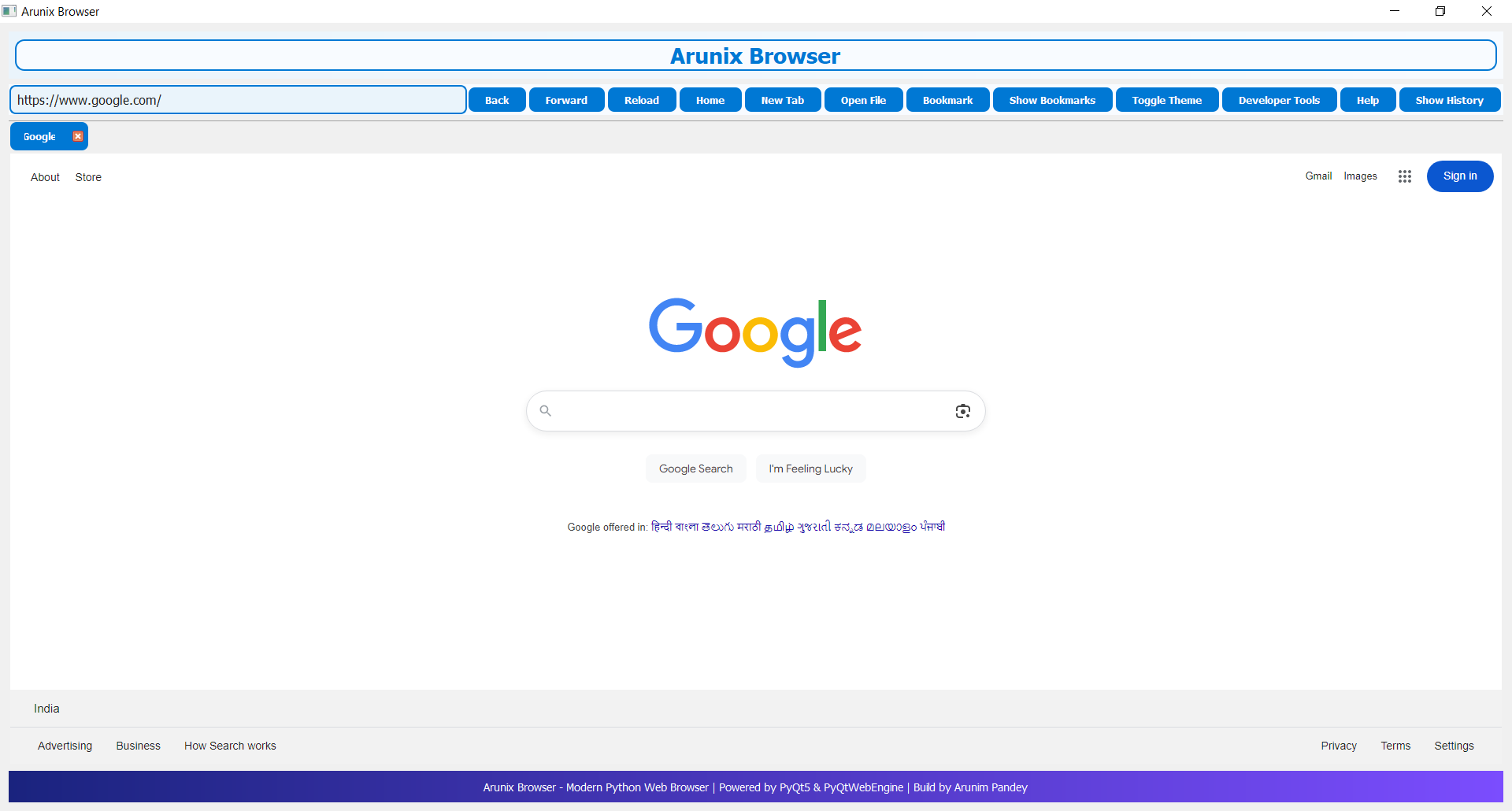
🤖 AI in Action
🧑💻 API POST Test
🔬 API GET Test
🗂️ Multi-Tab Browsing
🛡️ SSH Terminal Connection
System Requirements
- OS: Windows 10+, Windows Server 2016+, Ubuntu 20.04+, macOS (Python 3.7+)
- RAM: 1GB+
- Disk: 200MB (excluding user data)
- Python: 3.7+ (PyQt5, PyQtWebEngine required)
Security Highlights
- No passwords or credentials saved to disk.
- All connections encrypted (HTTPS for web, SSH for terminal).
- Sandbox mode for opening risky links.
© Arunix Browser Utility | Built By Arunim Pandey | All rights reserved
← Back to Home